Free Digital Marketing Tools Every Beginner Should Use
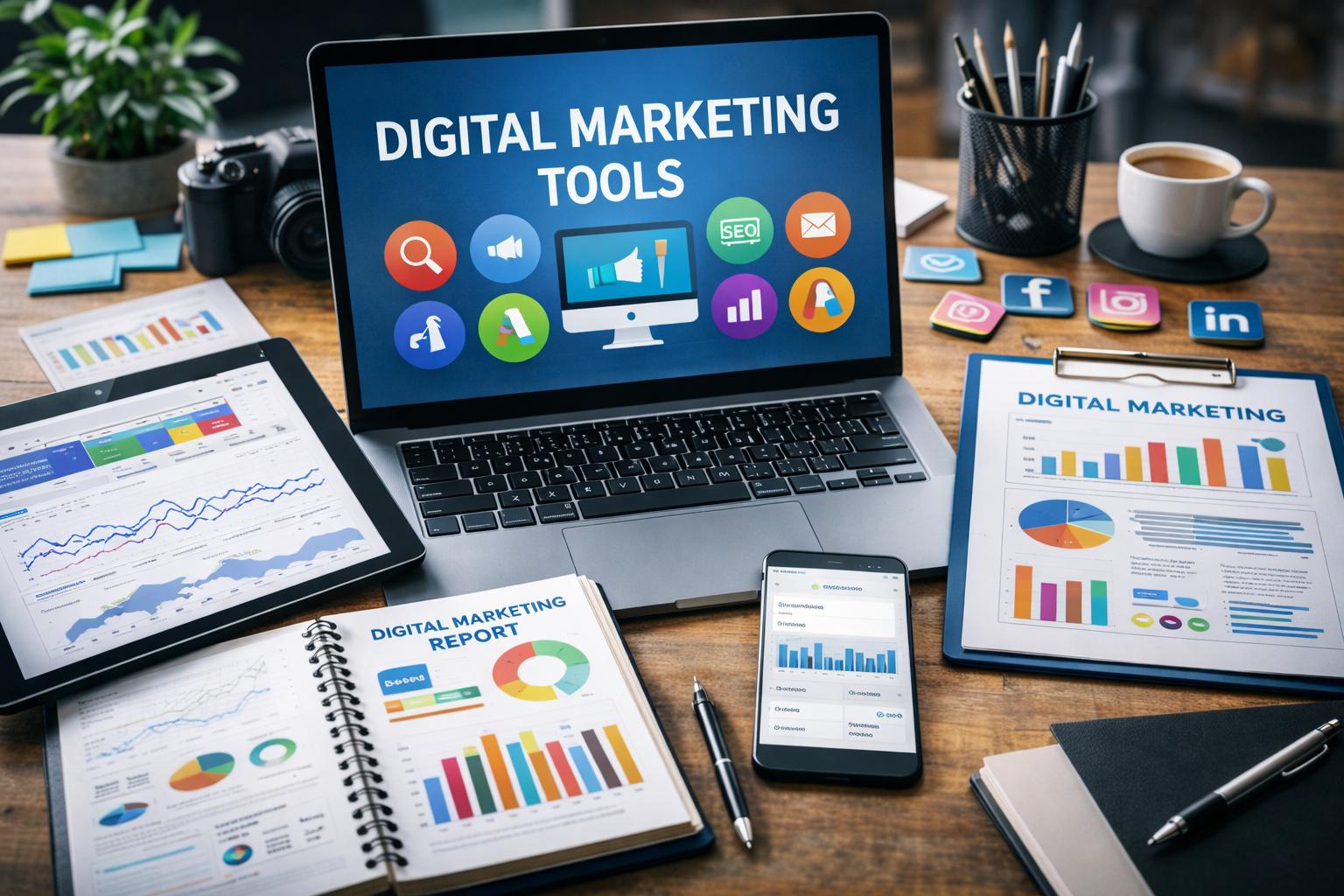
Introduction
Digital marketing can feel confusing when you are just starting. There are many tools, platforms, and marketing terms that beginners may not understand easily. Many people think they need expensive software to grow a website, but that is not true. Today, there are many free digital marketing tools that help beginners improve SEO, increase website traffic, and grow online step by step.
These tools help website owners understand their audience, find the right keywords, improve search engine rankings, and create better content. Whether you are a blogger, student, freelancer, small business owner, or content creator, using the right beginner-friendly digital marketing tools can make your work easier and more effective.
In this blog, we will explore some of the best free digital marketing tools for beginners that can help with:
1. SEO optimisation
2. Keyword research
3. Website traffic analysis
4. Content marketing
5. Google ranking improvement
6. Website performance tracking
7. Online business growth
All these tools are simple to use and perfect for people who are starting their digital marketing journey.
1. Google Search Console
What is Google Search Console?
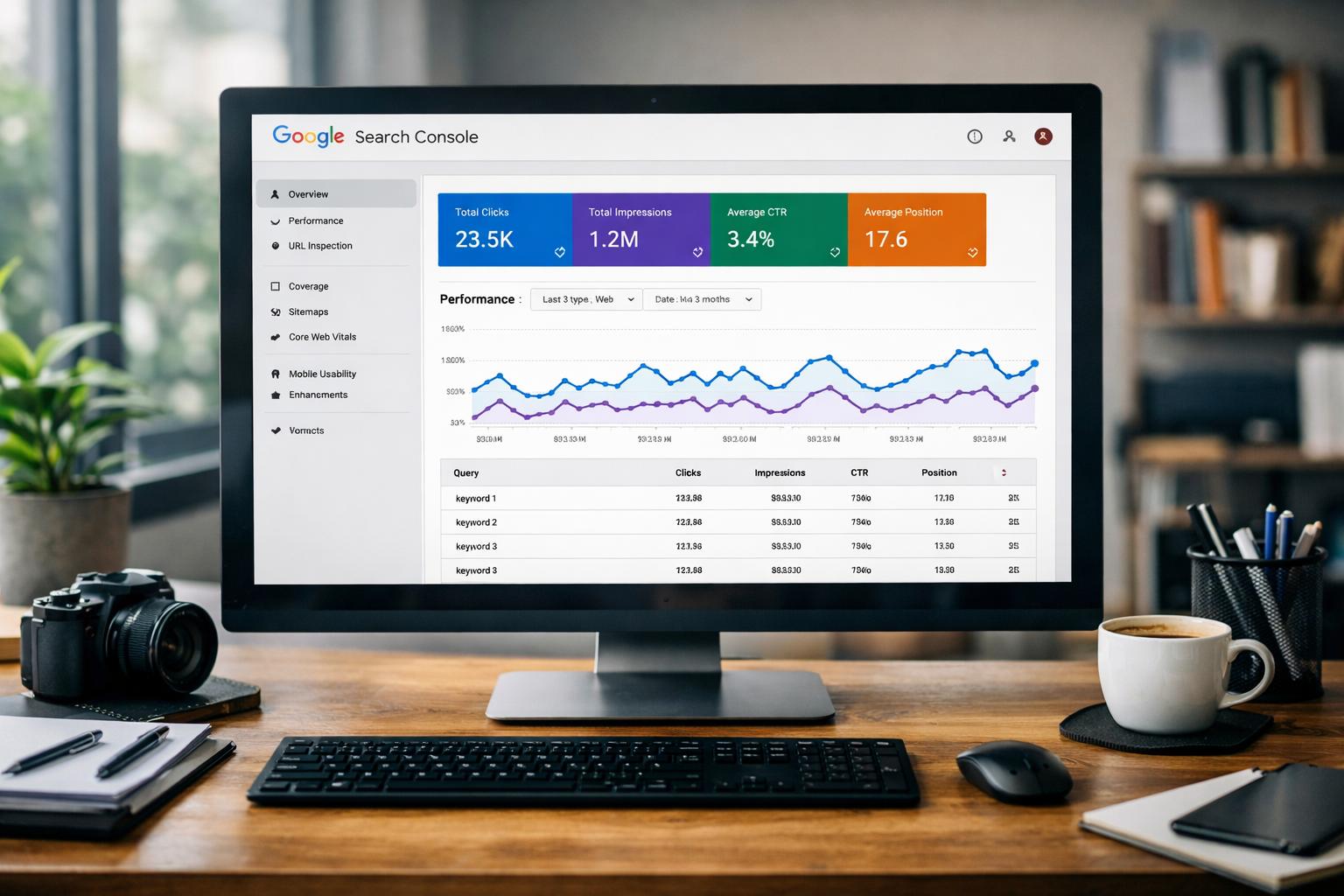
Google Search Console is a free SEO tool by Google that helps you monitor your website’s performance in Google Search results. It is one of the best tools for beginners because it shows real website data directly from Google.
If you want to improve your website’s SEO, increase organic traffic, and understand how it performs in search engines, this tool is essential.
What can you do with Google Search Console?
Using Google Search Console, you can:
- Check which keywords bring visitors to your website
- Monitor your Google search rankings
- Find indexing errors on your website
- Submit your sitemap to Google
- See how many people click on your website
- Improve technical SEO issues
- Track mobile usability problems
This tool helps beginners understand how Google views their website and what improvements are needed to achieve better search engine rankings.
Why is it useful for beginners?
Google Search Console is beginner-friendly and completely free. Even if you do not know advanced SEO, you can still understand basic reports and website performance data.
Benefits of Google Search Console:
- Free SEO analysis tool
- Helps improve website visibility
- Shows keyword performance
- Detects website errors
- Helps increase organic traffic
How to start using Google Search Console?
To start using it:
- Visit Google Search Console
- Add your website
- Verify your domain ownership
- Submit your sitemap
- Start monitoring your SEO performance
Checking your reports regularly can help improve your website ranking over time.
2. Google Analytics
What is Google Search Console?
Google Search Console is a free SEO tool by Google that helps you monitor your website’s performance in Google Search results. It is one of the best tools for beginners because it shows real website data directly from Google.
If you want to improve your website SEO, increase organic traffic, and understand how your website performs on search engines, this tool is very important.
What can you do with Google Search Console?
Using Google Search Console, you can:
- Check which keywords bring visitors to your website
- Monitor your Google search rankings
- Find indexing errors on your website
- Submit your sitemap to Google
- See how many people click on your website
- Improve technical SEO issues
- Track mobile usability problems
This tool helps beginners understand how Google views their website and what improvements are needed to achieve better search engine rankings.
How to start using Google Search Console?
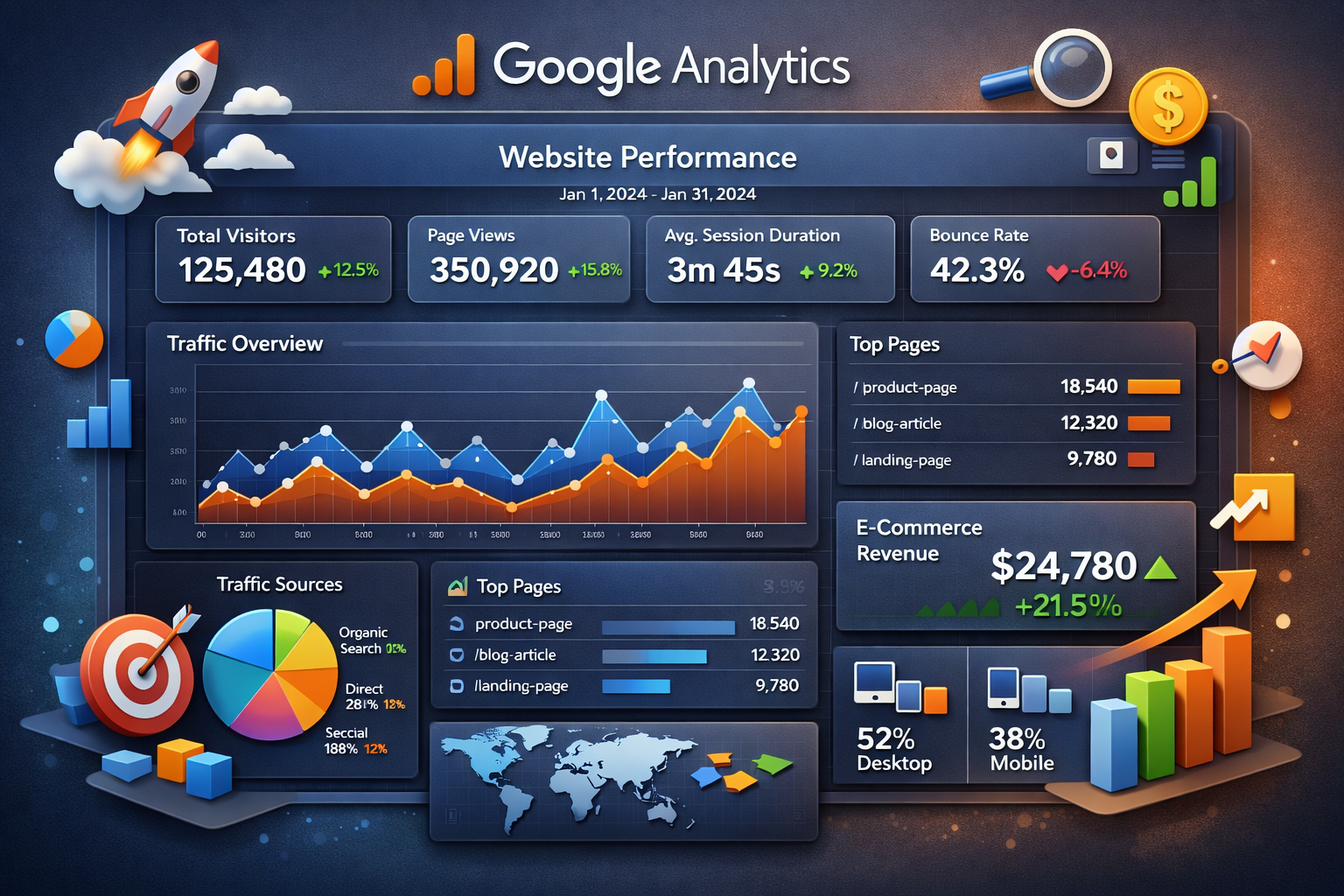
You need to add a small tracking code to your website. Once it’s set up, you can view all reports from your dashboard. Start by checking total visitors and top pages.
- Free
- Helps track website growth
3. Ubersuggest
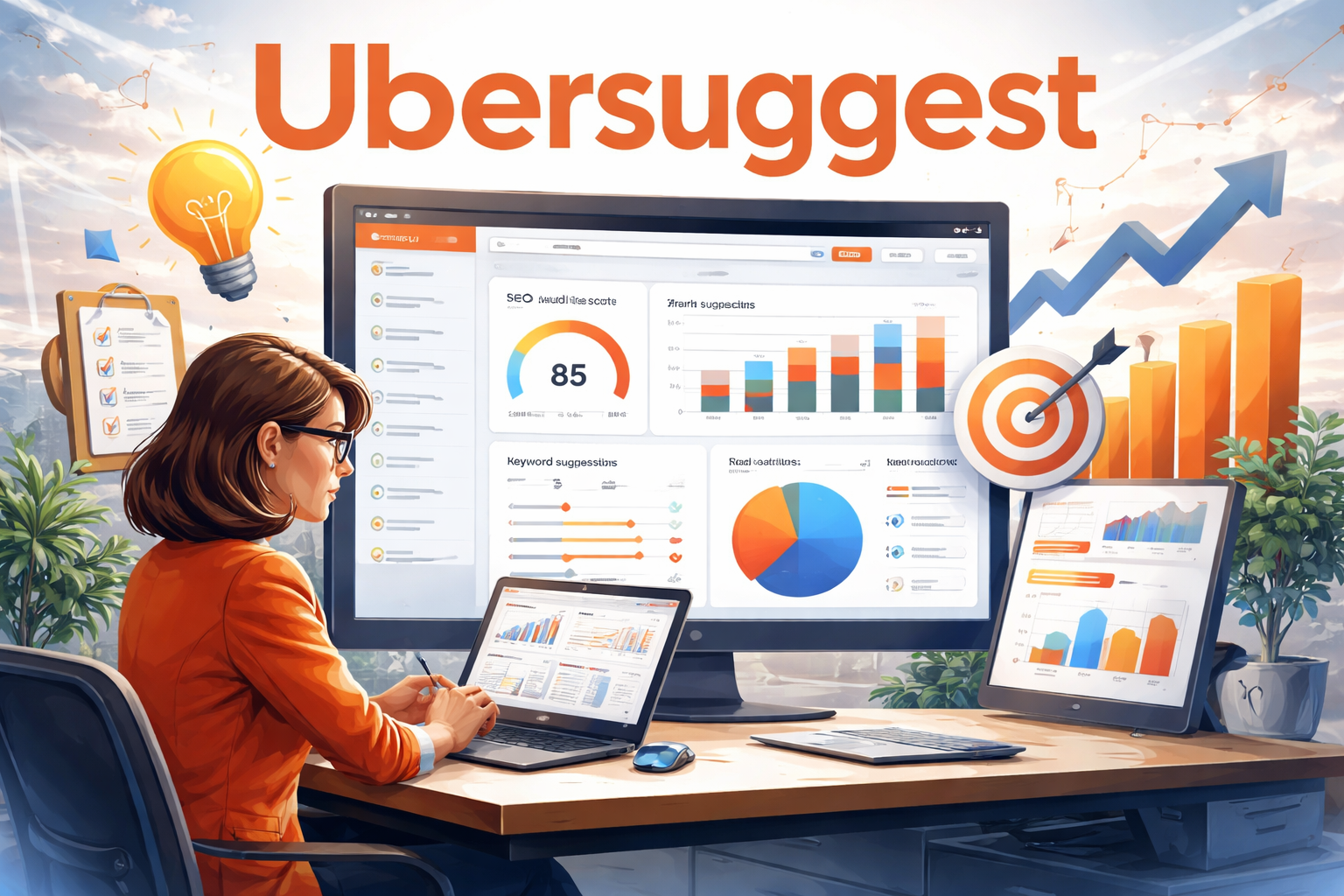
What does this tool do?
Ubersuggest helps you find keywords that people search on Google.
Keywords are very important for blogs and websites. Ubersuggest helps beginners:
- Find blog post ideas.
- See how difficult a keyword is
- check search volume
It’s easy to use and perfect for beginners who don’t understand complex SEO tools.
How to start using it?
Just type a word related to your topic and the tool will show keyword ideas. The free version has limited searches, but it’s enough for beginners.
- Free
- Beginner-friendly keyword tool
4. Canva
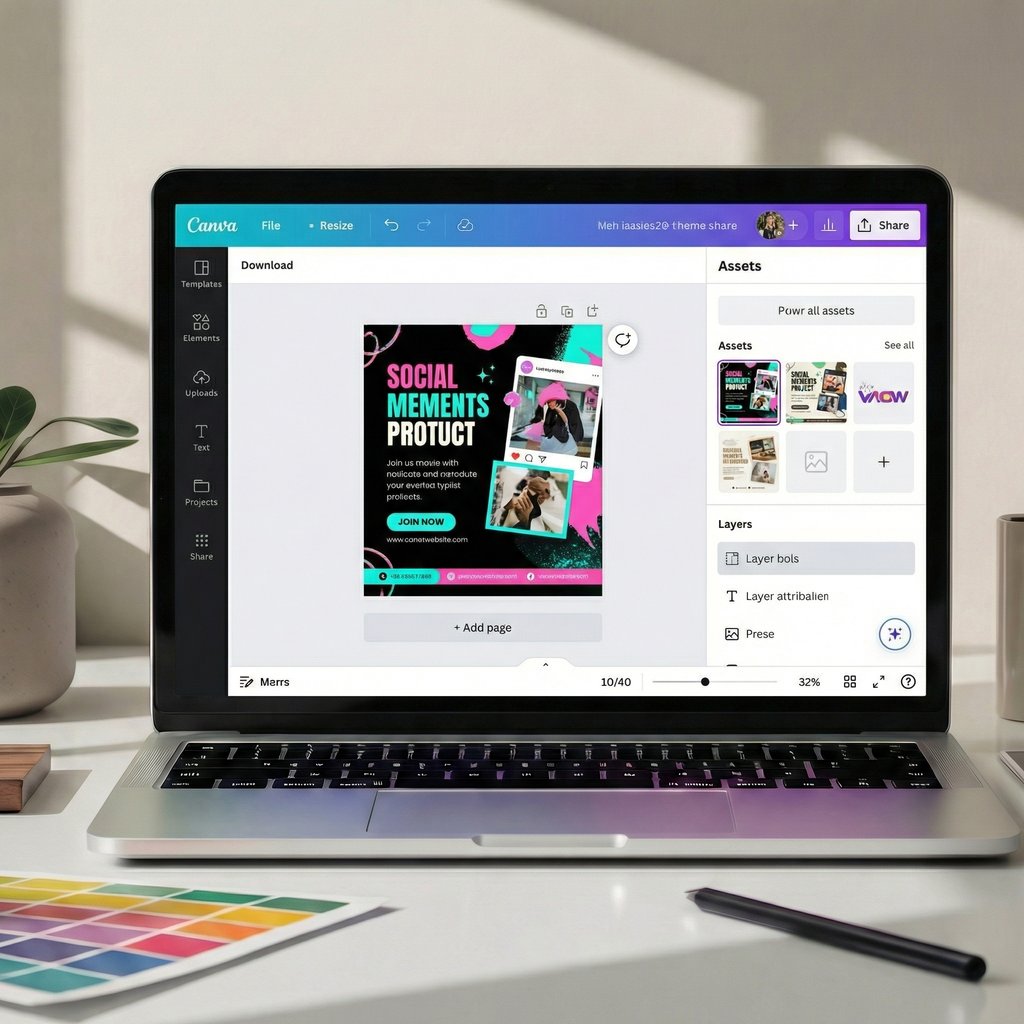
What does this tool do?
Canva is an online design tool that helps you create images without any design skills.
With canva you can easily create:
- Blog images
- Social media posts
- Banners and thumbnails
It has ready-made templates, so you don’t have to start from scratch. This saves time and makes your website look professional.
How to start using it?
Create a free account, choose a template, and edit text or images. You can download designs in one click.
- Free
- No design experience needed
5. Google Trends
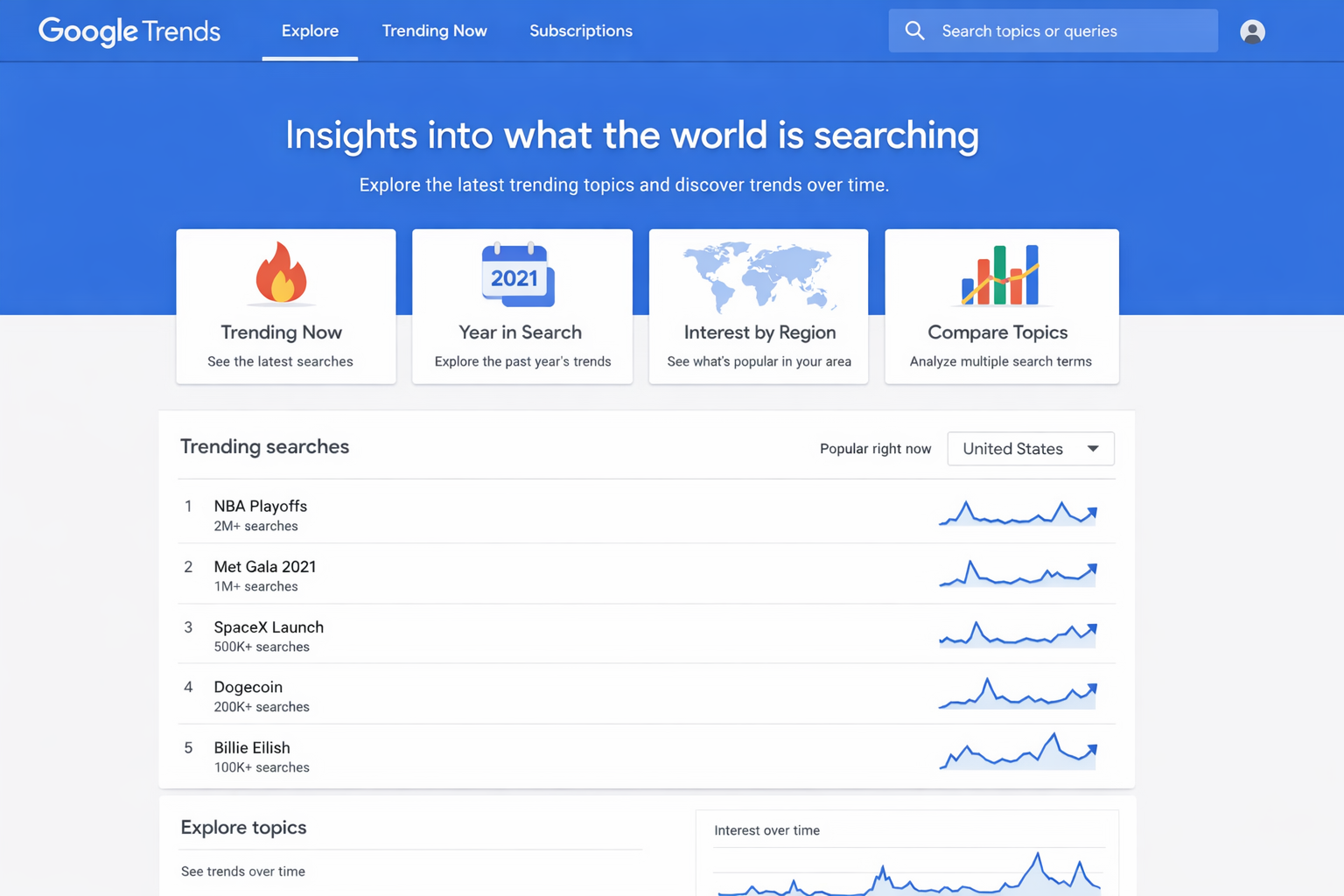
What does this tool do?
Google Trends shows what people are searching for right now.
This tool helps you:
- Find trending topics.
- Compare keyword opportunity
- Avoid writing content nobody searches.
It’s very useful for choosing blog topics and understanding audience interest.
How to start using it?
Just type a keyword and see how popular it is over time. You can explore trending searches in your country.
- Free
- Great for content ideas
How Beginners Should Choose the Right Tools?
Many beginners make the mistake of using too many tools at once. This creates confusion and stress. You don’t need every tool available on the internet.
Start with:
- One tool to track your website.
- One tool to find keywords.
- One tool to create content.
Learn slowly and focus on understanding the basics first. Once you feel comfortable, you can explore more tools.
FAQ’s
Are free tools enough for beginners?
Yes, Free tools are more than enough when you’re starting.
Do I need technical knowledge to use these tools?
No, these tools are beginner-friendly and easy to understand.
How many tools should a beginner use?
Start with 2-3 tools and learn them properly before adding more.
Conclusion
You don’t need expensive tools to start digital marketing. The tools shared above are free, simple, and perfect for beginners. Focus on learning step by step, and don’t rush the process.